Events CTA
Block Name: UrVenue Events CTA

- List of Venue Codes: if you want to display the list of events from all venues, let All
- View: Select Carousel View or Grid View
- Infinite Loop in the carousel (visible only on carousel view)
- Number of the total to display in the grid. (use -1 if you want to get all available items)
- Grid Number: Number of items to display Per Row, Desktop.
- Grid Number: Number of items to display Per Row, Tablet.
- Grid Number: Number of items to display Per Row, Mobile.
- Title Of the section.
View: Grid
Warning: Undefined variable $uvcarouselimageshtml in /nas/content/live/cookietest2urv/wp-content/themes/wp-uvtheme-master/uvwpframe/blocks/uveventscta/uveventscta.php on line 105
Next Events


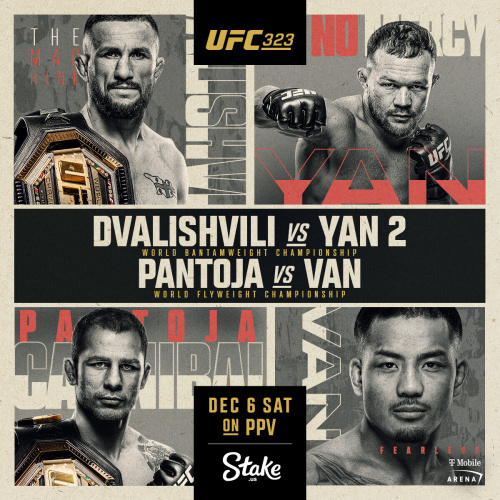


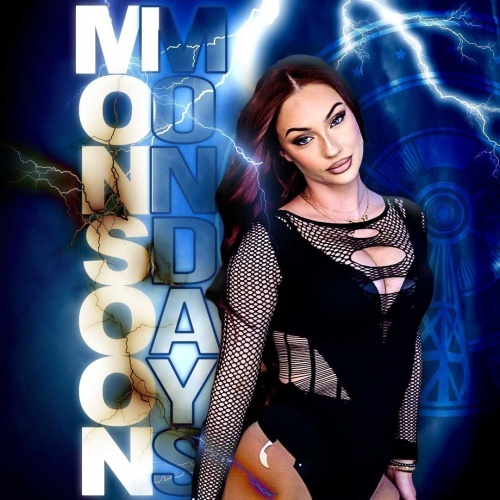
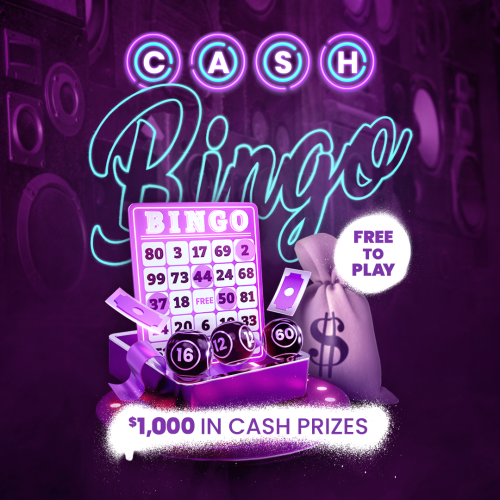


View: Carousel
Next Events
Newsletter
Block: UrVenue Newsletter

- Newsletter Block Title
- HTMl Title (Select The HTML tag to use in this section)
- Content (accept Customs HTML Content)
- Link of the Pivacy Policy Page
- Link of the Terms Page
Using the class “.uvjs-is-opensubscribe” you can foce the scroll to te subscribe section or display a popup with the newsletter form
Backed Menu
Block: UrVenue Menu From Backed
Menu from Urvenue Backed, Needs fill the fields using the information From API Manu
Buttons group: these use the same settings used on UrVenue Buttons

Check it here:
Note: You can Populate a menu category and display it on load using the method GET and the Category Name in the URL
example: https://cookietest2.urvenue.com/menu-page-from-backend-2/?menu=beer